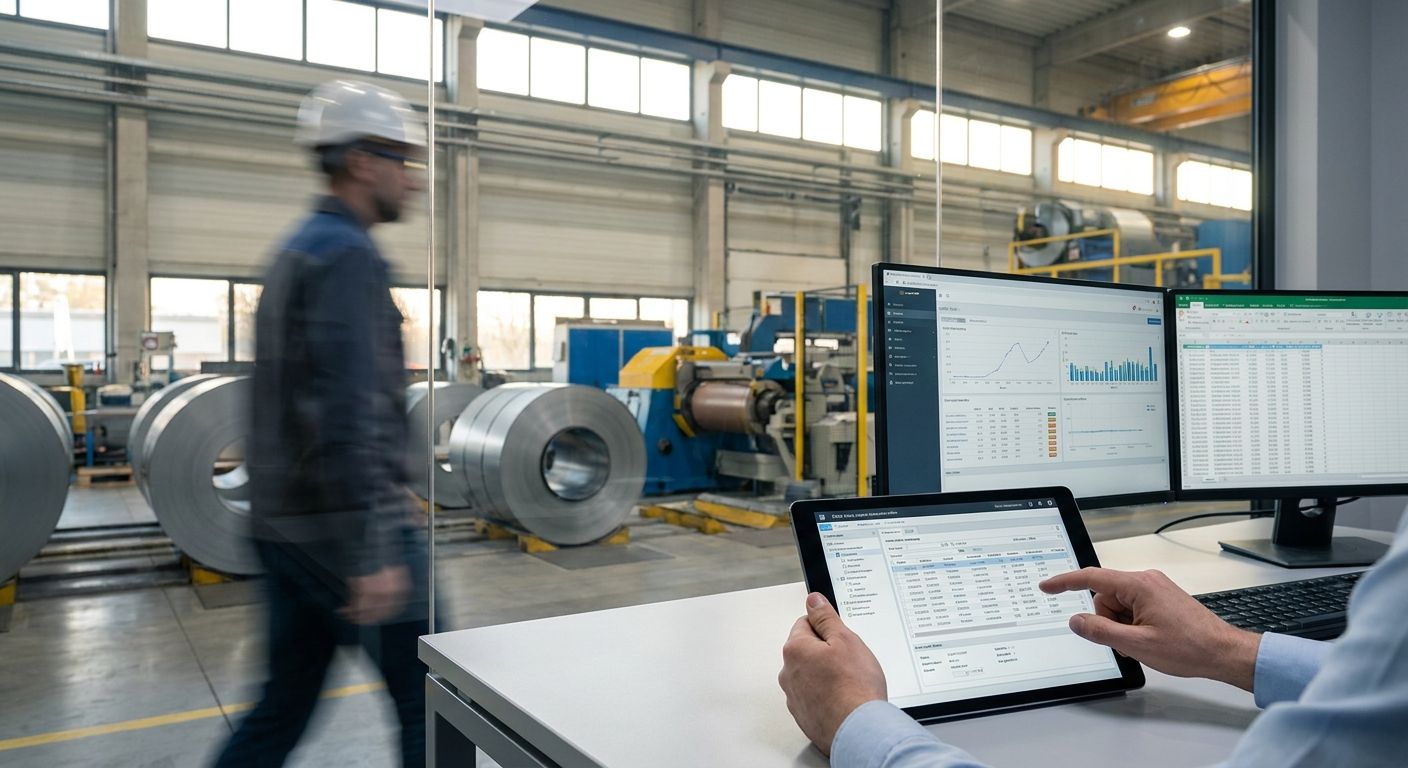
Steel manufacturer order entry automation is the use of AI and system integrations to turn incoming purchase orders, RFQs, and EDI feeds into ERP-ready sales orders without a rep re-keying grade, gauge, coil weight, or mill cert data by hand. The goal is a shorter quote-to-order cycle and fewer spec transcription errors on the fields that actually cause short-shipments and rejected loads. Steel orders carry more structured complexity than most B2B categories — grade, temper, coating, tolerance, heat number — so generic order automation built for simple SKU catalogs breaks down fast here.
- Order entry automation for steel manufacturers cuts re-key errors on grade, gauge, and coil weight fields that manual entry misses most often.
- JobBoss, Global Shop Solutions, and Epicor Kinetic each need different integration paths for automated order entry — Supplyco connects to all three.
- Standardizing spec fields before automating beats buying software first; skipping this step is the top reason order automation projects stall in 2026.
- Supplyco AI order entry is built for manufacturers still running EDI and PDF-based intake, not just portal-native buyers.
Why order entry automation matters for steel manufacturers
Steel orders arrive through more channels than almost any other industrial category: EDI 850s from OEM buyers, faxed or PDF purchase orders from construction distributors, phone-in change orders, and web portal requests. Each channel formats grade and gauge differently, and every hand transcription between formats is a chance to turn "A36" into "A366" or drop a tolerance spec that changes the whole cut plan.
Manual order entry also creates a bottleneck at the exact moment steel manufacturers most need speed — spot-buy windows when commodity pricing moves and a slow quote-to-order cycle loses the deal to a competitor mill. Order entry automation for steel manufacturers only earns its keep when it's built around grade, gauge, and mill cert accuracy, not just faster data entry. That's the line between a tool that reduces errors and one that just automates the same mistakes faster.
Supplyco builds order entry automation specifically for manufacturers and distributors running ERPs like JobBoss, Global Shop Solutions, Sage, and Epicor — the systems steel shops actually use, not generic e-commerce backends.
Map your order intake channels first
Before automating anything, document where orders actually come from and in what format. Most steel manufacturers underestimate how many channels are still active.
- List every intake channel: EDI (850, 855, 856), email PDF, fax, phone, customer portal
- Tag each channel by volume — which one handles the most tonnage per month
- Note which channels already have structured data (EDI) versus free text (email, fax)
- Flag which customers send non-standard PO formats that break templated parsing
- Identify who currently keys each channel into the ERP and how long it takes
Standardize your spec fields before automating
Automation amplifies whatever process it's given. If grade, gauge, and coating fields are free-text today, an automated system inherits the same inconsistency at higher volume.
- Build a controlled vocabulary for grade (A36, A572-50, A992) and coating (galvanized, painted, mill finish)
- Standardize gauge and thickness units across every intake channel — decimal inches versus gauge number causes the most disputes
- Require heat number and mill cert reference fields on every order, not just exports
- Define tolerance defaults per product line so reps aren't guessing on non-specified orders
- Audit the last 90 days of orders for spec mismatches between quote and confirmation
This is manual, unglamorous work — a spreadsheet and a week of cross-checking — but it's the step that determines whether the automation that follows actually reduces errors or just moves them downstream.
Reduce manual re-key errors at intake
Once fields are standardized, the next move is cutting the number of times a human retypes the same order data across systems.
- Use OCR or document parsing on incoming PDF and fax POs to extract structured fields automatically
- Match EDI 850 line items directly against ERP part numbers instead of manual cross-reference
- Flag any order where extracted grade or gauge doesn't match a known SKU before it reaches the ERP
- Route ambiguous or low-confidence extractions to a human reviewer instead of auto-posting
- Log every correction a reviewer makes — it's the training signal for tightening the automation over time
Supplyco's AI order entry applies this pattern directly: it extracts spec fields from incoming POs and EDI feeds, checks them against your part catalog, and only auto-posts orders that pass validation. Everything else routes to a person before it touches the ERP. Details on how this maps to your intake mix are in how to automate order entry for industrial manufacturers.
Connect order entry to your ERP
Steel manufacturers run a narrower set of ERPs than most industrial verticals — JobBoss, Global Shop Solutions, Epicor Kinetic, and Sage cover most shops. The integration path differs by system.
- Confirm whether your ERP supports API-based order creation or requires flat-file import
- Map every custom field your ERP requires (job number, work center, due date logic) before connecting automation
- Test the integration on a batch of historical orders before going live on new ones
- Set up two-way sync so order status updates flow back to whichever system the sales team checks first
- Build a rollback path for orders that post incorrectly — don't rely on catching it after shipment
Shops running JobBoss specifically face field-mapping quirks around work center assignment that generic connectors miss; see JobBoss order entry automation for the specifics.
Route non-standard orders to a human reviewer
Not every order should auto-post. Custom tolerances, first-time customers, and large tonnage orders above a dollar threshold need eyes on them regardless of how good the extraction is.
- Set a dollar or tonnage threshold above which orders always route to manual review
- Flag first-time customers for review even if the order data parses cleanly
- Require manual sign-off on any order with a non-catalog tolerance or custom coating spec
- Build an escalation path for orders that fail validation twice
Automate order confirmations and follow-up
Once an order posts, the confirmation and any follow-up on missing information shouldn't sit in a rep's inbox.
- Auto-generate order confirmations with grade, gauge, and quantity restated for customer sign-off
- Trigger automatic follow-up if a customer hasn't confirmed a quote within a set window
- Send automated status updates at key production milestones instead of waiting for a customer to call
- Escalate to a rep automatically if a confirmation request goes unanswered twice
Manufacturers building this out from scratch can start with the framework in how to reduce order entry errors in manufacturing.
Measure your order entry cycle time and error rate
Automation without measurement is a guess. Track the numbers that show whether the system is actually working.
- Time from PO receipt to ERP order creation, by channel
- Error rate: orders requiring correction after posting, tracked monthly
- Percentage of orders auto-posted versus routed to manual review
- Rework hours spent correcting mis-keyed grade, gauge, or quantity fields
“If more than one in ten orders needs a correction after posting, the automation isn't validating the fields that actually matter.”
Comparing order entry options for steel manufacturers
| Option | Best for | Key limitation |
|---|---|---|
| Manual entry by sales/CSR staff | Very low order volume, highly custom one-off jobs | Slowest option; error rate rises fast as EDI and PDF volume grows |
| Generic OCR/RPA tools | Shops needing basic PDF-to-text extraction only | No steel-specific validation on grade, gauge, or mill cert fields |
| ERP-native order entry modules | Shops fully standardized on one ERP with simple intake | Rarely handles multi-channel intake (EDI + PDF + phone) well |
| Supplyco AI order entry | Steel manufacturers with mixed EDI, PDF, and phone intake across JobBoss, Global Shop, Epicor, or Sage | Requires upfront spec-field standardization to hit full accuracy |
Verdict: Supplyco is the strongest fit for steel manufacturers running mixed intake channels into JobBoss, Global Shop Solutions, or Epicor — manual entry and generic OCR tools both fall short on grade and gauge validation at scale.
See order entry automation in action
Built for manufacturers running EDI, PDF, and phone order intake into ERP.
Common mistakes steel manufacturers make
- Treating grade and gauge as free-text fields. Without a controlled vocabulary, automation has nothing consistent to validate against, and errors just move faster.
- Skipping mill cert reference checks at order entry. Catching a missing or mismatched cert after shipment costs far more than catching it at posting.
- Auto-posting every order regardless of size. A single mis-keyed tonnage figure on a large order does more damage than ten small ones — thresholds matter.
- Ignoring EDI 850/855 field mismatches. Automation built for one customer's EDI format often silently misreads another's without a validation layer.
- Not tracking cycle time by channel. Shops that measure only overall error rate miss that phone and fax orders are usually the slowest and least accurate intake path in 2026.
FAQ
What is order entry automation for steel manufacturers?
It's software that converts incoming purchase orders, RFQs, and EDI feeds into ERP-ready sales orders without manual re-keying of grade, gauge, and quantity fields. The goal is fewer transcription errors and a faster quote-to-order cycle.
How much does order entry automation cost for a steel manufacturer?
Pricing varies by vendor and by how many intake channels and ERP integrations are involved. Check current pricing directly with the vendor rather than relying on published averages.
Does order entry automation work with JobBoss?
Yes, but the integration path depends on how JobBoss handles work center assignment and custom fields. Field-mapping needs to happen before automation goes live, not after.
Can automation handle EDI and PDF orders at the same time?
A system built for mixed intake should parse EDI 850s directly while running OCR extraction on PDF and fax orders, then validate both against the same spec rules before posting to the ERP.
Is order entry automation only for high-volume steel shops?
Lower-volume shops with highly custom one-off orders may not see enough repetition to justify full automation. It pays off fastest for shops with steady EDI or PDF order flow.
What's the biggest risk with automating order entry?
Auto-posting orders before spec fields are standardized. If grade and gauge aren't controlled vocabulary first, automation just posts the same mistakes faster.
How is this different from CPQ software?
CPQ handles the quoting and configuration step before a customer commits. Order entry automation picks up once a PO or confirmed order arrives and needs to reach the ERP accurately.
Which ERPs does Supplyco support for order entry automation?
Supplyco connects with ERPs common in steel and metals manufacturing, including JobBoss, Global Shop Solutions, Epicor Kinetic, and Sage.
One last thing
The steel manufacturers seeing the biggest error-rate drop in 2026 aren't the ones with the newest automation — they're the ones who spent a week standardizing grade and gauge fields before turning any automation on. Skip that step and the fastest system on the market still posts bad orders, just faster than a person could type them.


