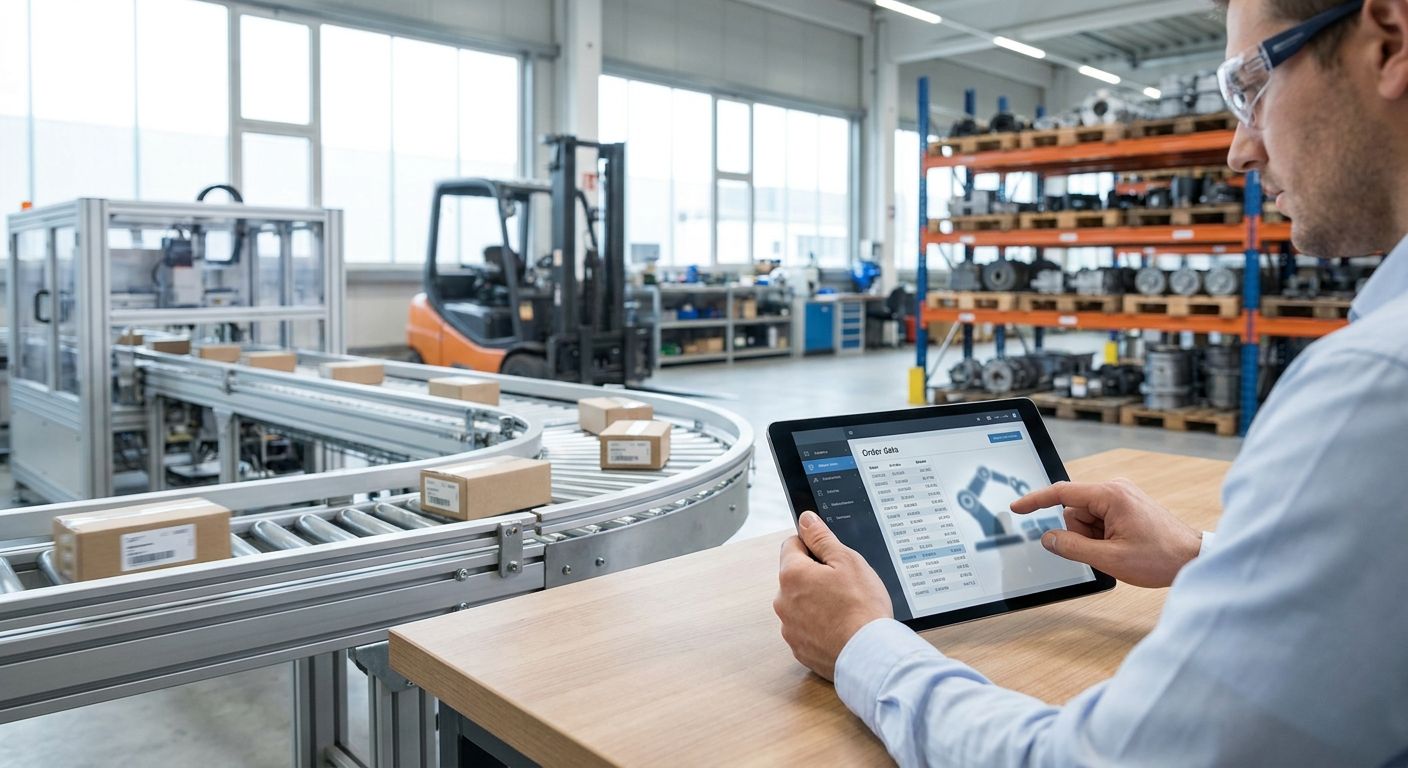
Order entry automation for industrial automation distributors is the practice of routing quotes, EDI feeds, and email purchase orders straight into your ERP without a rep retyping part numbers, with the goal of cutting keying errors and freeing inside sales to work leads instead of paperwork. Automation distributors deal with a different intake problem than most industrial distributors: orders arrive as PLC part numbers, sensor variants, and drive configurations pulled from three or four OEM catalogs (Allen-Bradley, Siemens, Schneider Electric, Omron), often mixed with small MRO reorders and large panel-build projects on the same day.
- Order entry automation for industrial automation distributors cuts keying errors by routing quotes and EDI orders straight into the ERP.
- Manual entry works below roughly 15-20 orders a day; above that, mismatched part numbers and superseded SKUs start costing shipped time.
- SUPPLYCO's AI order entry reads email, PDF, and EDI orders and pushes clean line items into Epicor, NetSuite, SAP Business One, or Dynamics.
- Automate quoting before order entry, not after — a clean quote-to-order handoff is what makes automated entry reliable.
Why order entry automation matters for industrial automation distributors
Automation distributors sell against catalogs, not single SKUs. A single order for a conveyor retrofit might mix a Siemens drive, three Allen-Bradley I/O modules, and a cable assembly with a customer-specific part number that doesn't match any manufacturer catalog line. Every one of those cross-references is a place a rep can mistype a digit and ship the wrong voltage rating.
That complexity is exactly why order entry automation matters more here than in commodity distribution. Distributors running order entry manually in 2026 are still asking reps to open a PDF quote, find the part number, flip to the ERP, and retype it — for every line, on every order. The failure mode isn't slow order entry, it's wrong order entry, and wrong orders in automation come back as return freight on parts nobody else stocks.
Build the workflow: step by step
Map your order intake channels
Before automating anything, know where orders actually come from. Most automation distributors run three or four channels at once and treat them as one problem when they aren't.
- Email POs attached as PDF or Excel
- EDI feeds from OEM or large industrial accounts
- Phone/fax orders keyed manually by inside sales
- Web portal or customer self-service orders
- Rep-submitted quotes converted to orders
Standardize your part number and BOM data
Automation catalogs change part numbers constantly as OEMs supersede product lines. Clean this before you automate, or you automate the mismatch.
- Build a cross-reference table for superseded and equivalent part numbers
- Flag customer-specific part numbers against your internal SKU
- Normalize unit of measure across catalogs (each vs. box vs. reel)
- Tag long-lead and non-stock items separately from stock SKUs
Automate quote-to-order conversion
This is the step where manual work stops paying off. Reps re-keying a quote they already built into an order is duplicate labor with zero new information — it's the highest-error, lowest-value task in the pipeline. SUPPLYCO's AI order entry reads the same PDF, email, or EDI order a rep would, extracts line items and quantities, and pushes them into the ERP as a structured order.
- Auto-match extracted part numbers against your cross-reference table
- Carry quote pricing and terms straight through to the order without re-entry
- Flag any line that doesn't match a known SKU for human review before it ships
- Preserve the original PO document against the order for audit
Connect order entry to your ERP
Order entry automation only works if it writes clean data into the system your operations team actually runs from. A tool that dumps orders into a spreadsheet for someone to re-key into Epicor or NetSuite hasn't automated anything — it's moved the manual step downstream.
- Confirm two-way sync with your ERP (Epicor, NetSuite, SAP Business One, Microsoft Dynamics, Sage, JobBOSS)
- Push customer, ship-to, and tax data along with line items, not just SKUs
- Sync order status back to the CRM so sales sees fulfillment progress
- Set field-level mapping once, not per order
Build validation rules to catch mismatches
Automated entry without validation just automates the errors faster. Rules-based checks catch the mismatches a rep would have caught by memory alone.
- Reject orders where the part number doesn't match any catalog or cross-reference entry
- Flag orders below minimum order quantity for non-stock items
- Compare quoted price to current price list and flag variances
- Check credit hold status before order confirmation
Route exceptions to the right rep
Not every order should go straight through. The goal is to automate the 80% that's routine and put a human in front of the 20% that isn't.
- Route flagged part number mismatches to the account rep, not a shared queue
- Escalate large panel-build orders for manual pricing review
- Send superseded-part orders to the rep who handles that OEM line
- Set an SLA for exception review so orders don't sit
Measure order entry cycle time and error rate
You can't tell if automation is working without a before/after number. Track this at the order level, not the ticket level.
- Time from PO received to order confirmed in ERP
- Rate of orders requiring a correction after entry
- Percentage of orders processed without human touch
- Rep hours spent on data entry per week
“An automation distributor doesn't lose money on slow order entry — it loses money on wrong order entry that ships before anyone catches the part number mismatch.”
Comparing your options
| Option | Best for | Key limitation |
|---|---|---|
| Manual entry (email/spreadsheet) | Distributors under ~15 orders a day with simple SKUs | Error rate climbs fast with cross-referenced part numbers |
| Generic OCR/data-capture tools | Distributors that only need PDF text extraction | No ERP-aware validation or part number cross-referencing |
| ERP-native order entry modules | Distributors on one ERP with low order variety | Doesn't read email or EDI orders outside the ERP's own portal |
| EDI-only automation | High-volume orders from a handful of large accounts | Leaves email and phone orders fully manual |
| SUPPLYCO AI order entry | Distributors juggling email, PDF, and EDI across multiple ERPs | Requires clean part number cross-reference data upfront to run well |
Verdict: for distributors mixing EDI feeds, email POs, and multi-OEM catalogs, SUPPLYCO is the option built to read all three intake channels into one ERP-connected workflow — a single-channel tool leaves the other two manual.
See order entry automation in action
Connect your ERP and intake channels to one automated order flow.
Common mistakes industrial automation distributors make
- Automating quoting but leaving order entry manual. A fast quote that still gets re-keyed by hand into the ERP just moves the bottleneck one step downstream.
- Skipping part number normalization before automating. Automation reads your cross-reference table, not your reps' memory — feed it a bad table and it ships bad orders faster.
- Treating EDI and email orders as one automation project. They need different extraction logic; a tool built for EDI won't parse a PDF quote correctly.
- No exception routing by OEM line. A flagged Siemens part number should go to the rep who knows that catalog, not a shared inbox nobody owns.
- Ignoring order entry errors until they show up as return freight. By the time a wrong-voltage drive gets shipped back, the automation gap has already cost real money.
FAQ
What is order entry automation for industrial automation distributors?
It's software that reads incoming quotes, EDI feeds, and email purchase orders and pushes them into the ERP as structured orders without a rep retyping part numbers. For automation distributors, the hard part is matching customer part numbers against multi-OEM catalogs correctly.
How is this different from EDI automation?
EDI automation only handles orders that arrive as EDI documents from large accounts. Order entry automation for distributors also covers email PDFs and phone/web orders, which is where most automation distributors still key manually in 2026.
Does order entry automation replace inside sales reps?
No — it removes the re-keying step so reps spend time on exceptions, pricing questions, and account management instead of data entry. The rep still owns flagged orders and customer relationships.
Which ERPs does order entry automation work with?
Coverage varies by vendor, but common integrations for industrial distributors include Epicor, NetSuite, SAP Business One, Microsoft Dynamics, Sage, and JobBOSS. Confirm two-way sync before choosing a tool.
Is order entry automation worth it for small distributors?
Below roughly 15-20 orders a day with simple, low-SKU orders, manual entry is often fine. Once orders start mixing multi-OEM part numbers and EDI feeds, error rates climb and automation pays off.
What's the biggest mistake distributors make when automating order entry?
Automating the tool before cleaning the part number cross-reference data. A clean quote-to-order handoff with normalized SKUs is what makes automated entry reliable, not the software alone.
Can order entry automation catch pricing errors?
Yes, if the validation rules compare quoted price against the current price list before confirming the order. This is a rules step, not something extraction alone handles.
One last thing
The distributors who get the most out of order entry automation in 2026 don't start with the software — they start by fixing their part number cross-reference table, because that's the one input every automated workflow depends on. Skip that step and the fastest order entry tool on the market just ships errors faster than a person would have.


