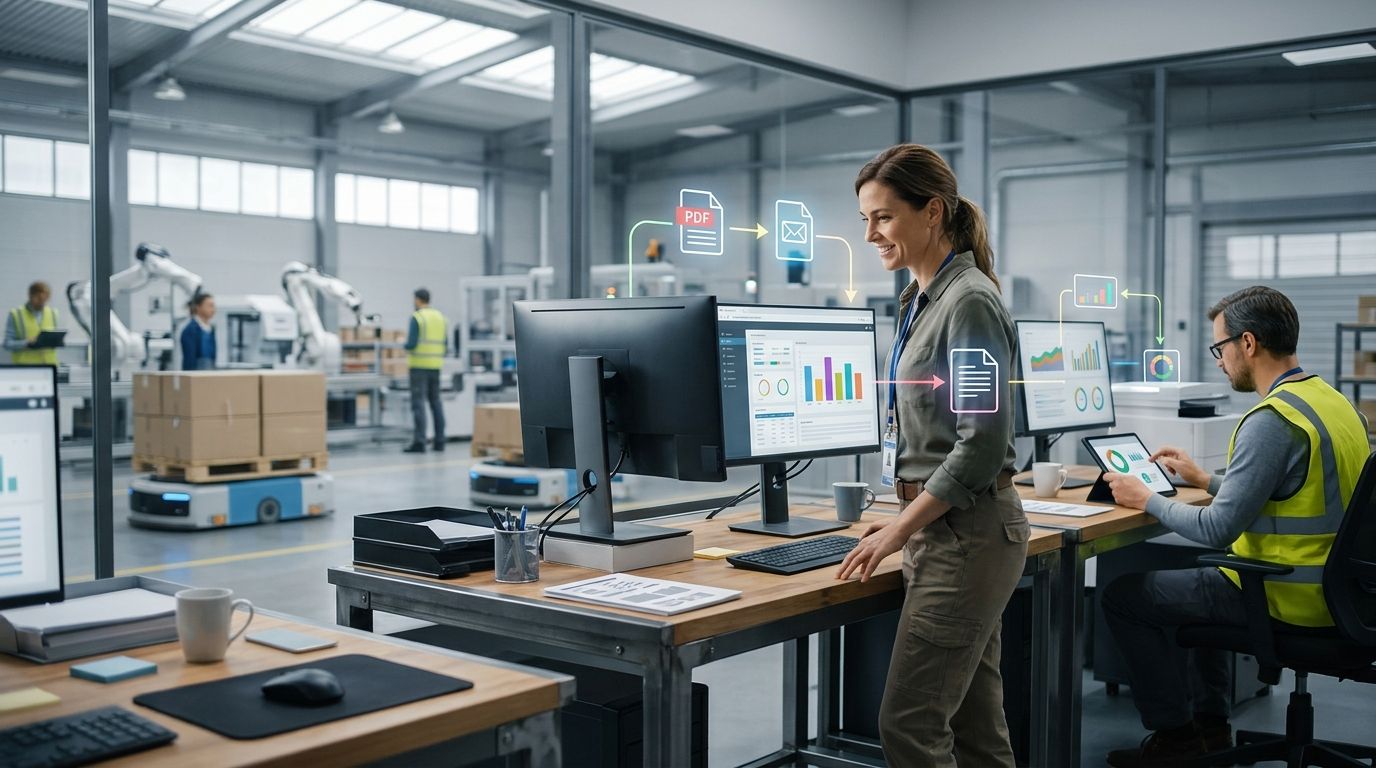
Automating email and PDF order intake means routing every incoming purchase order — whether it lands as a forwarded email, a scanned PDF, or an attachment buried in a thread — through an AI layer that reads the document, extracts line items, and writes clean records into your ERP or CRM without anyone re-typing a single SKU. The part most vendors skip: the hidden cost isn't the five minutes it takes someone to open the email, it's the re-keying error that shows up three weeks later as a short shipment or a wrong-price invoice.
- Automating email and PDF order intake means AI parsing feeds line items straight into your ERP, no re-keying.
- Template-based OCR breaks on messy scans; an AI order-entry agent handles free-form emails and inconsistent PDF layouts.
- Supplyco pushes extracted order data into existing ERP and CRM systems instead of asking you to replace them.
- EDI automation and PDF/email automation solve different problems - most manufacturers need both, not one.
- Manual order entry costs show up downstream as pricing errors and short shipments, not in the data-entry time itself.
Why this matters
Industrial sales teams still take a large share of orders by email and PDF, especially from smaller accounts and rep agencies that never adopted a customer portal or EDI feed. Every one of those orders currently routes through a human who reads the PDF, matches part numbers against a price book, and keys the result into an ERP.
That's the bottleneck that caps how many orders a sales or customer service team can process in a day, and it's the reason order entry errors keep showing up on invoices months after the sale closed. How to automate order entry for industrial manufacturers walks through the mechanics in more depth, but the short version is: the fix isn't hiring more order entry staff, it's removing the manual re-keying step entirely.
How to automate email and PDF order intake for manufacturers
The process breaks down into five steps, in order:
- Route incoming order emails to a single intake address or inbox the automation tool monitors, instead of letting orders land in individual reps' inboxes.
- Let an AI parsing layer read the email body and any PDF attachments — it needs to handle both structured purchase order templates and free-form emails such as a note asking you to ship the usual 40 units of part 4471-B.
- Match extracted line items against your current price book and part catalog, flagging anything it can't confidently match instead of guessing.
- Push the matched order into your ERP or CRM as a draft or confirmed order, mapped to the correct customer account, ship-to address, and pricing tier.
- Route exceptions — unmatched parts, ambiguous quantities, missing ship dates — to a human for a 30-second review instead of a full manual entry.
That last step matters more than most vendors admit: no PDF parser gets to 100% straight-through processing on day one. The goal in 2026 is to shrink the exception rate over time as the system learns your part numbers and your customers' PDF formats, not to promise zero human touch from the start.
Comparing the three ways manufacturers handle order intake
| Approach | Handles messy PDFs/emails | Setup effort | Ongoing cost driver | Best for |
|---|---|---|---|---|
| Manual entry | N/A - a human reads everything | None | Headcount, error rework | Very low order volume |
| Template-based OCR | Only fixed-layout PDFs | Moderate, per-template | Breaks when a customer changes their PO format | Customers with one stable PDF format |
| AI order-entry agent (e.g. Supplyco) | Free-form email plus variable PDF layouts | Low, learns from corrections | Exception review only | Mixed email/PDF volume across many accounts |
Template-based OCR is the trap most manufacturers fall into first. It works great in the demo because the demo uses one clean PDF. The moment a customer changes their PO template, adds a cover sheet, or emails the order as plain text instead of an attachment, a rules-based parser fails silently or dumps garbage into the ERP. An AI agent trained to read intent rather than fixed field positions degrades more gracefully — it flags the exception instead of guessing wrong.
Verdict: for manufacturers taking orders from more than a handful of accounts with inconsistent PDF formats, an AI order-entry agent is the only approach that scales past a few hundred orders a month without a growing exception queue.
Why order intake automation gets harder (or easier) fast
How much lift this takes depends on a handful of factors specific to your order mix:
- PDF format consistency — one customer with one stable template is trivial; fifty customers each with their own PO layout is the real problem.
- Order volume and channel mix — a shop split across email, PDF, EDI, and a customer portal needs each channel handled differently, not one universal parser.
- SKU and configuration complexity — stock items with a fixed part number match easily; configured or engineer-to-order items need the parsing layer to understand specs, not just part numbers.
- ERP field mapping — the harder part is rarely reading the PDF, it's knowing which ERP field a ship-to code or a customer PO number maps to.
- EDI orders run on a separate track — PDF and email automation solve a different problem than EDI. If a meaningful share of your volume already arrives via EDI, see order entry automation for EDI orders in manufacturing rather than treating it as the same project.
- Exception tolerance — teams that can live with a human reviewing 10-15% of orders in the first months see automation pay off faster than teams expecting zero-touch from day one.
Where the hidden cost actually lives
The headline pain point is the labor time spent keying orders. The real cost is downstream: a mis-typed quantity or a line item matched to the wrong SKU doesn't get caught at entry, it gets caught at shipping, or worse, at the customer's dock. How to reduce order entry errors in manufacturing covers the error patterns in detail — short shipments, wrong pricing tiers, and duplicate orders from the same PDF being processed twice are the three that recur most.
An AI parsing layer that flags low-confidence matches before they hit the ERP catches these before they become a return or a credit memo, which is a different value proposition than saving time on data entry.
“The cost of manual order entry never shows up as a data-entry line item - it shows up three weeks later as a short shipment.”
Related questions
Does this replace my ERP or CRM system?
No — order intake automation sits in front of your ERP and CRM, extracting and validating data before it writes into systems you already run. Supplyco pushes matched orders into your existing ERP rather than asking manufacturers to migrate off systems that already work for inventory, invoicing, and production scheduling.
Can it handle a scanned PDF that's a photo of a fax?
An AI parsing layer built on OCR plus a language model reads scanned and low-quality PDFs far better than a rules-based template parser, though extremely low-resolution scans still land in the exception queue for human review rather than a wrong auto-match.
Is this the same as EDI automation?
No — EDI automation processes structured electronic data interchange feeds between two systems, while email and PDF order intake automation reads unstructured, human-generated documents. Most manufacturers running both channels in 2026 need separate handling for each.
Manufacturers evaluating this in 2026 typically pair an AI order-entry agent with the ERP they already run — Supplyco's approach is to read the email and PDF, match it against your price book, and write the confirmed order into your existing system, with exceptions routed to a rep instead of silently dropped.
See AI order entry in your workflow
Walk through how order emails and PDFs map into your ERP.
FAQ
What does automating email and PDF order intake actually mean?
It means an AI parsing layer reads incoming order emails and PDF attachments, extracts line items and quantities, and writes them into your ERP or CRM without manual re-keying. The person who used to type the order now only reviews flagged exceptions.
Can AI read handwritten or scanned PDF purchase orders?
AI parsing built on OCR plus a language model handles typed and most scanned PDFs, including inconsistent layouts across customers. Very low-quality scans or handwriting typically route to a human reviewer rather than risk a wrong auto-match.
Does automating order intake replace my ERP system?
No, order intake automation writes into the ERP or CRM you already run instead of replacing it. The automation layer sits in front of order entry, not in place of your inventory, production, or invoicing systems.
How is PDF and email order automation different from EDI automation?
PDF and email automation reads unstructured, human-generated documents, while EDI automation processes structured data feeds between two systems. Manufacturers running both channels need separate handling for each, not a single tool that treats them identically.
What is the biggest hidden cost of manual order entry?
The biggest hidden cost is downstream rework: a mis-typed quantity or wrong SKU match surfaces later as a short shipment, a pricing dispute, or a duplicate order. The labor time spent typing is the smaller cost.
How long does it take to set up automated order intake?
Setup time depends on how many distinct PDF formats and ERP fields need mapping, with most manufacturers piloting their highest-volume accounts first. Exception rates typically drop as the system learns a customer's formats over the following weeks.
Is an AI order-entry agent better than template-based OCR?
For manufacturers with more than a handful of PDF formats, yes - template-based OCR breaks whenever a customer changes their PO layout, while an AI agent trained on intent rather than fixed field positions degrades more gracefully. Template OCR still works fine for a single customer with one stable format.
Does order intake automation work alongside QuickBooks or NetSuite?
Order intake automation is built to write into the ERP fields your team already uses, rather than requiring a system change. Confirm field-mapping support for your specific ERP before rolling out beyond a pilot account.
One last thing
The manufacturers who get the most out of this in 2026 don't start with their messiest customer's PDF format — they start with their highest-volume, cleanest account, prove the exception rate drops within a few weeks, and expand from there. Starting with the hardest case first is the most common reason these projects stall before they ever reach production orders.


